Try paper trading
The fastest way to see TraderTape work end-to-end: sign up, deploy a paper portfolio, and watch it generate signals against live market data — no broker connection needed, no real money at risk. Takes about five minutes.
1. Sign up
Go to tradertape.com and click Get Started Free. Enter your email, check your inbox for the magic link, click it. You're in.
There's no password, no credit card, and no setup wizard. You land on /app — the four-product picker.
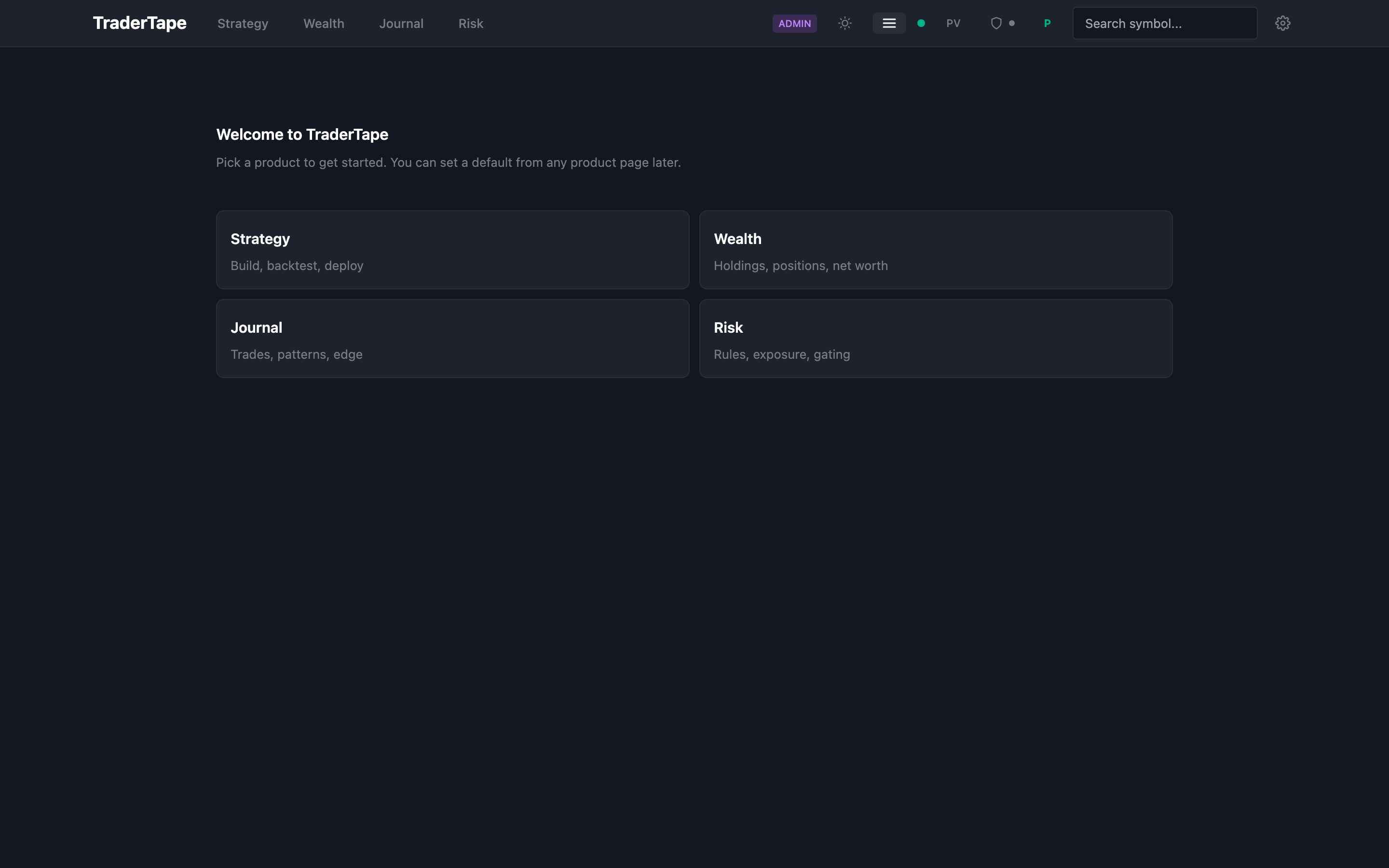
2. Open Strategy
Click Strategy in the top nav (or tap it from the drawer on mobile). This is where strategies get built, backtested, and deployed.
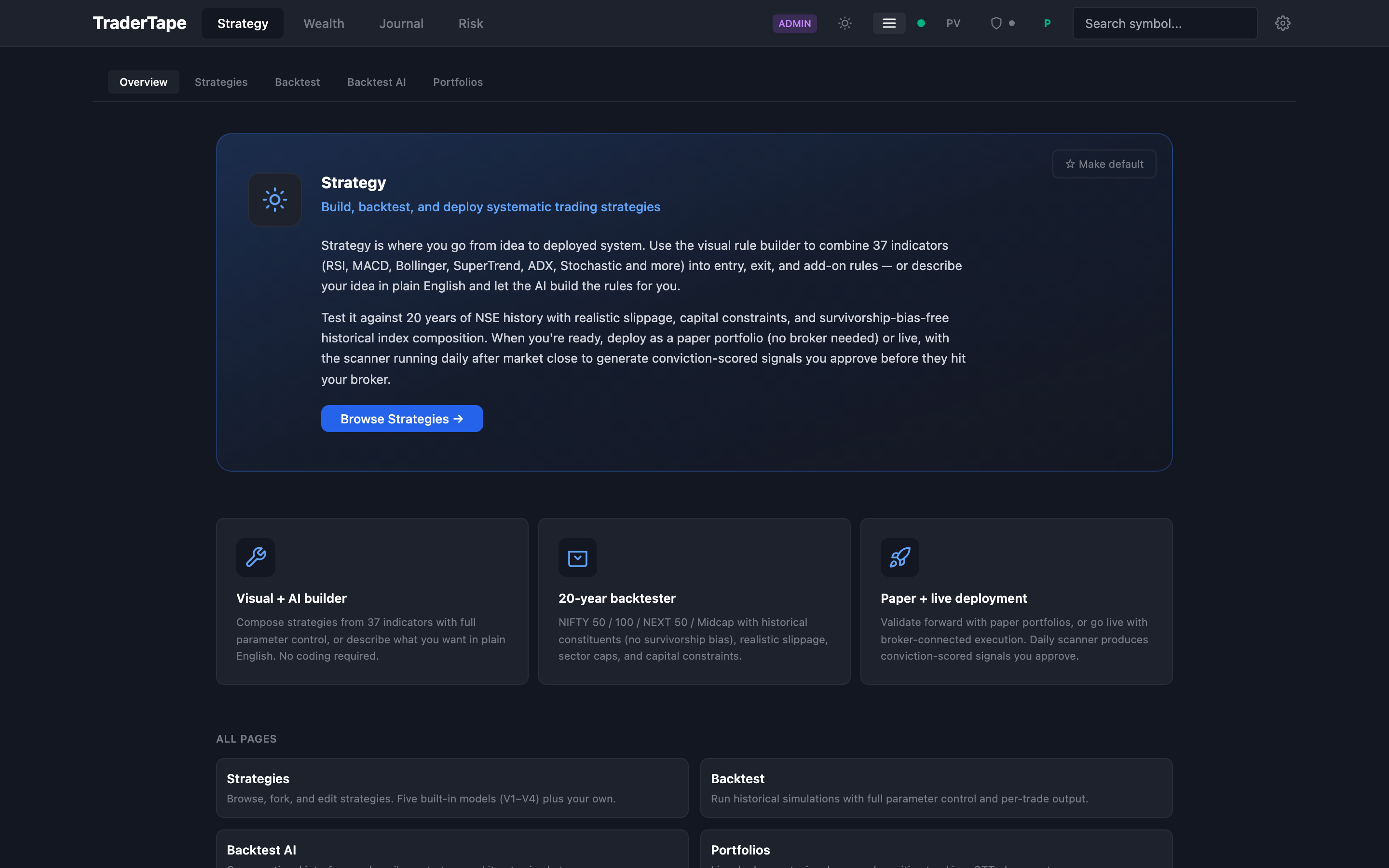
The overview page summarises what Strategy can do. Click Strategies in the sub-nav (or the "Browse Strategies" button in the hero).
3. Pick a strategy
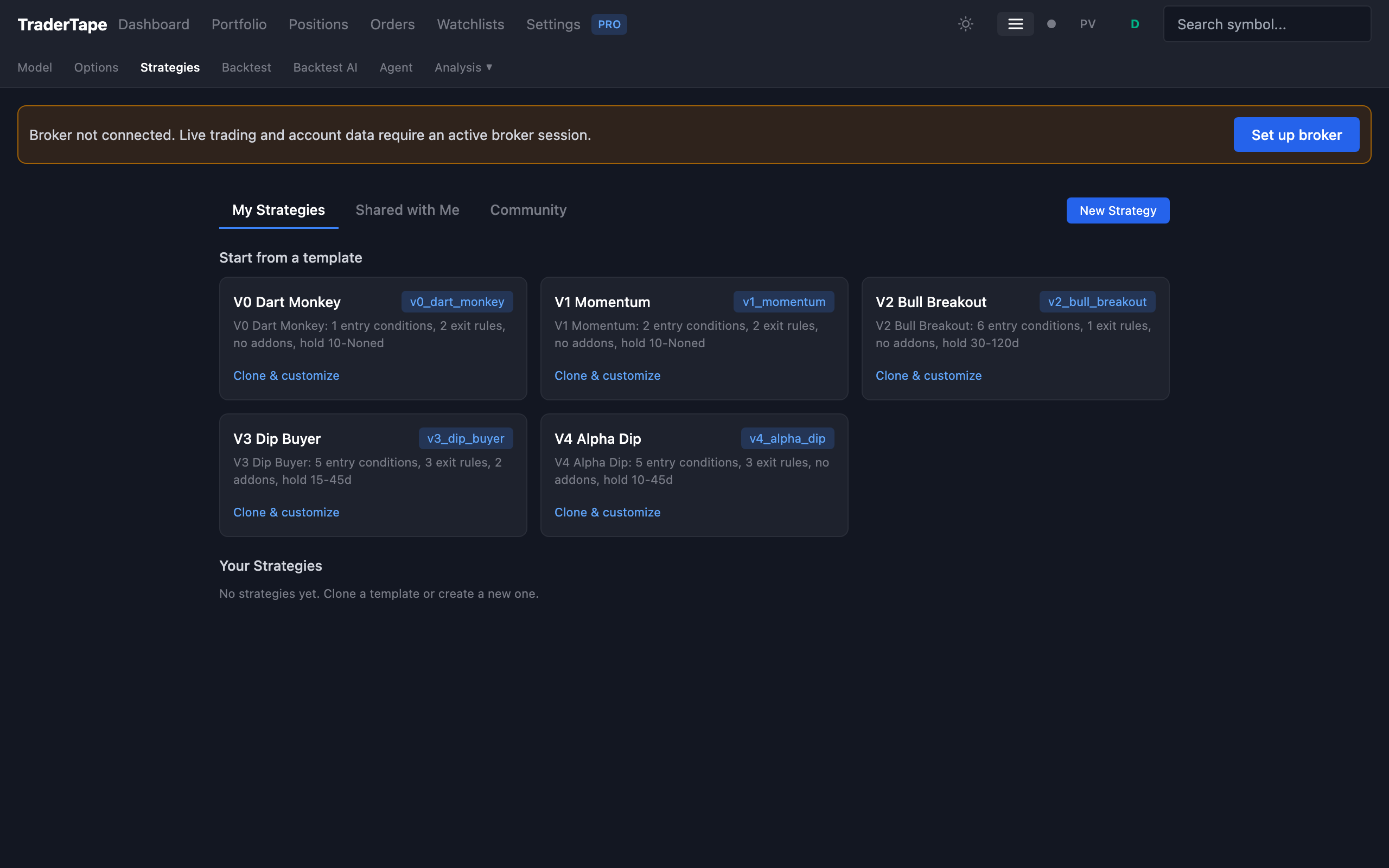
The library shows five built-in models:
| Model | What it does |
|---|---|
| V0 Dart Monkey | Random baseline — sanity check that your improvements beat random |
| V1 Momentum | Classic momentum: price > SMA20, RSI < 70, trailing ATR stop |
| V2 Bull Breakout | Strong trend + volatility spike entry, 30-day minimum hold |
| V3 Dip Buyer | Mean-reversion: RSI ≤ 45 pullbacks in confirmed uptrends, adds on dips |
| V4 Alpha Dip | Refined V3 — +9.1% CAGR over equal-weight NIFTY 100 in backtest |
Click V4 Alpha Dip to open its details. You'll see the DSL rules (entry, exit, addon, conviction), historical backtest results, and a "Deploy" button.
4. Deploy as a paper portfolio
Click Deploy on V4 Alpha Dip. A dialog asks for:
- Portfolio name — call it whatever you like, e.g. "V4 paper test"
- Capital — virtual money, default ₹10 lakh
- Per-trade size — default ₹1 lakh (10% of capital)
- Mode — Paper (no broker needed) or Live (broker required)
Pick Paper. Click Deploy.
You're now running a live paper portfolio. The scanner runs daily after market close, generates conviction-scored signals for the V4 strategy, and fills them at the next day's open price against live market data. No broker, no real money.
5. Watch it run
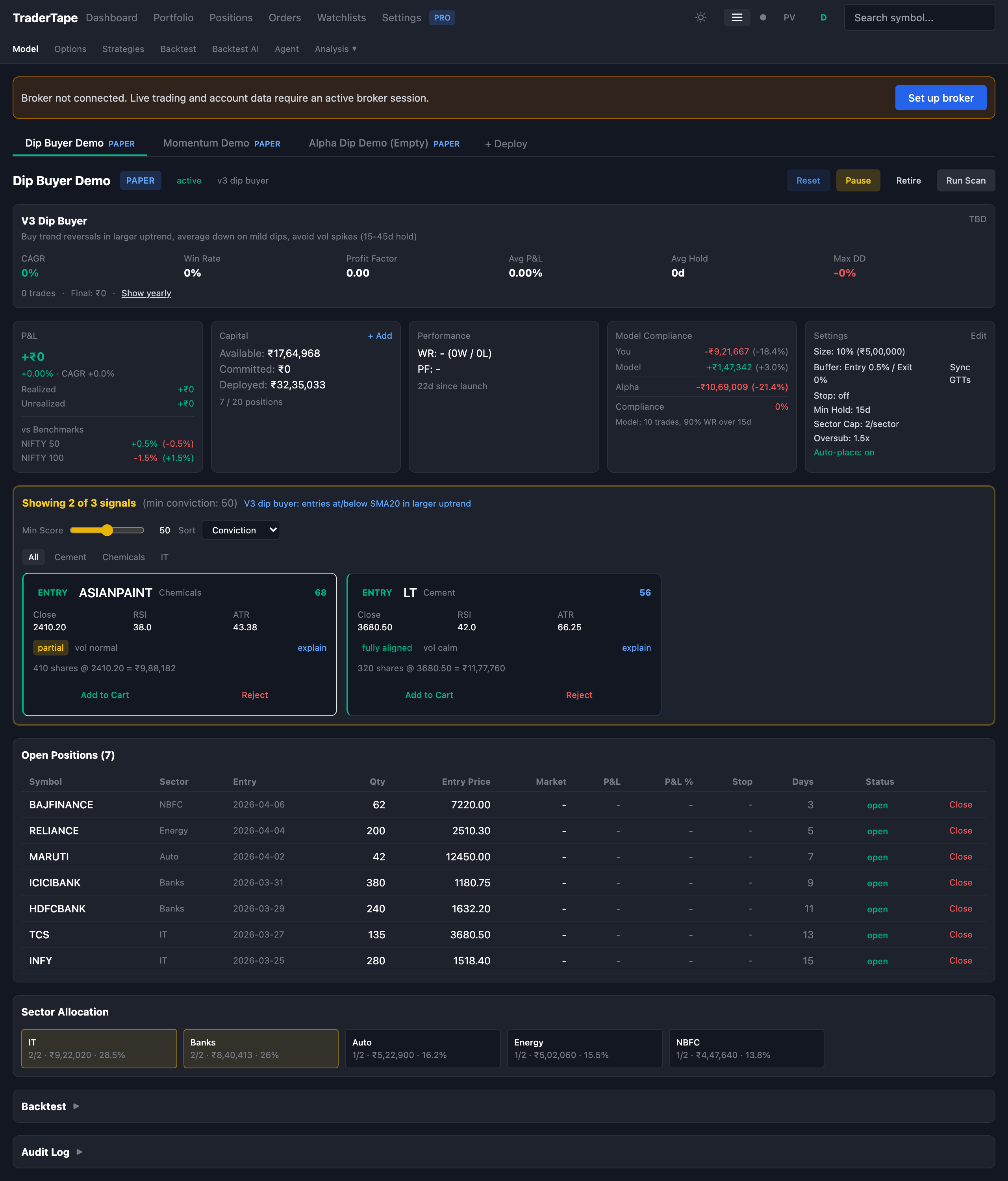
Jump to Portfolios in the Strategy sub-nav. Your portfolio shows up with:
- A PAPER badge so you never confuse it with a live account
- Current holdings and virtual P&L
- Pending signals (if the scanner has already run today)
- Conviction score for each signal
- A Reset button if you want to wipe state and start over
The scanner runs at 16:00 IST on every trading day. Tomorrow you'll see whatever the strategy generated.
Want to see signals sooner? Click Run Scan Now — it'll rescan with the latest candles and produce signals on the spot.
What's next
- Let it run for a few weeks. Paper trading's value comes from watching how the strategy behaves on days the backtest never saw. The first few days don't tell you much.
- Compare against a benchmark. Once you have 3-4 weeks of paper P&L, jump to Journal → Benchmark and compare your paper equity curve against NIFTY 100.
- Fork and tweak. Open V4 in the strategies library, click Fork, edit the rules. Backtest your variant. If it beats V4 on historical data, deploy it as a second paper portfolio.
- Connect a broker when ready. If your strategy holds up in paper for a couple months, connect a broker and re-deploy as a live portfolio. The transition is literally a dropdown change — Paper → Live.
→ Next: Connect a broker