The four products
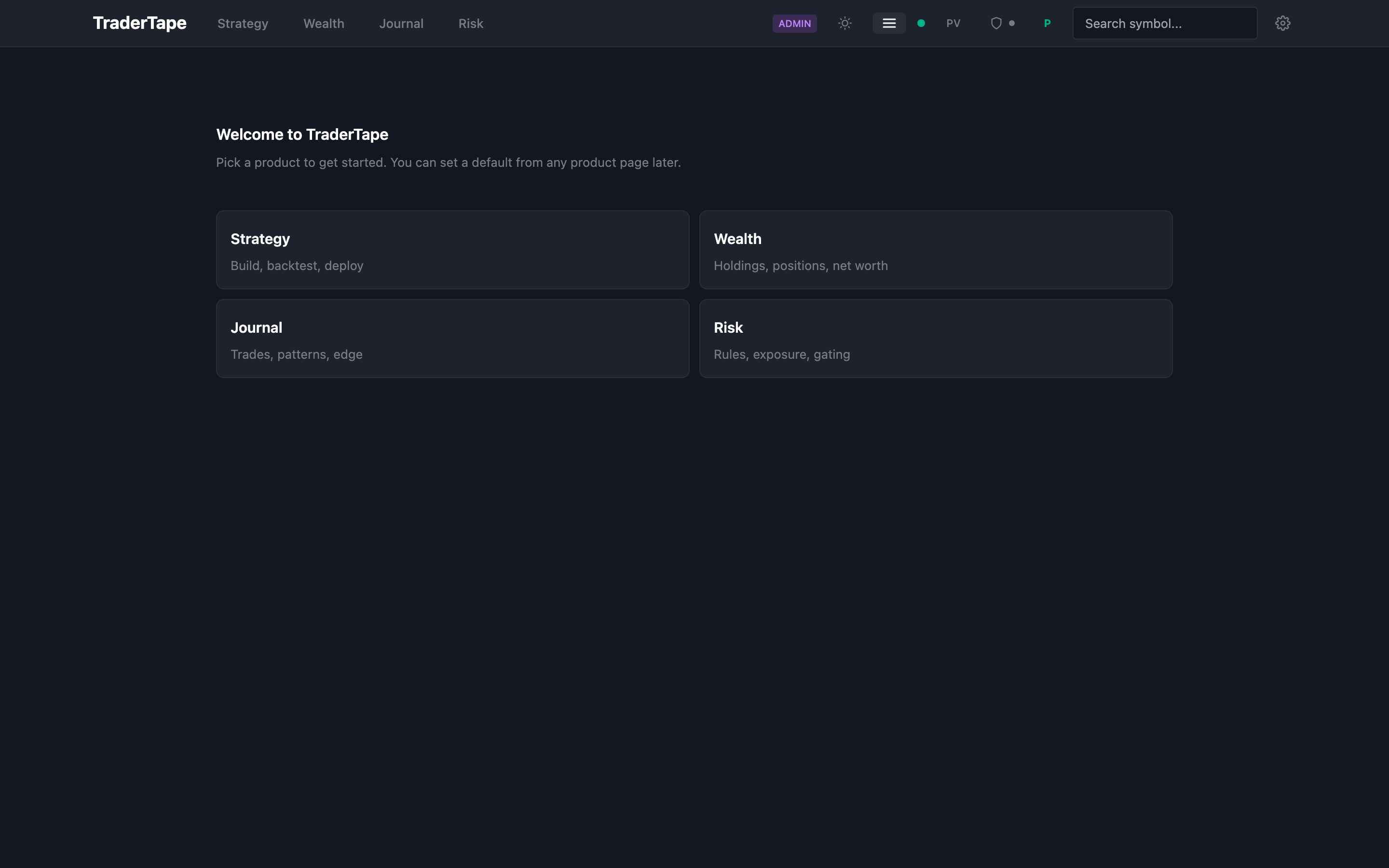
After you sign in, you land at /app — a four-card picker showing every product in TraderTape. Pick one to dive in, or set it as your default so future logins jump straight there.
The four products are independent. You can use any combination without needing the others.
Strategy
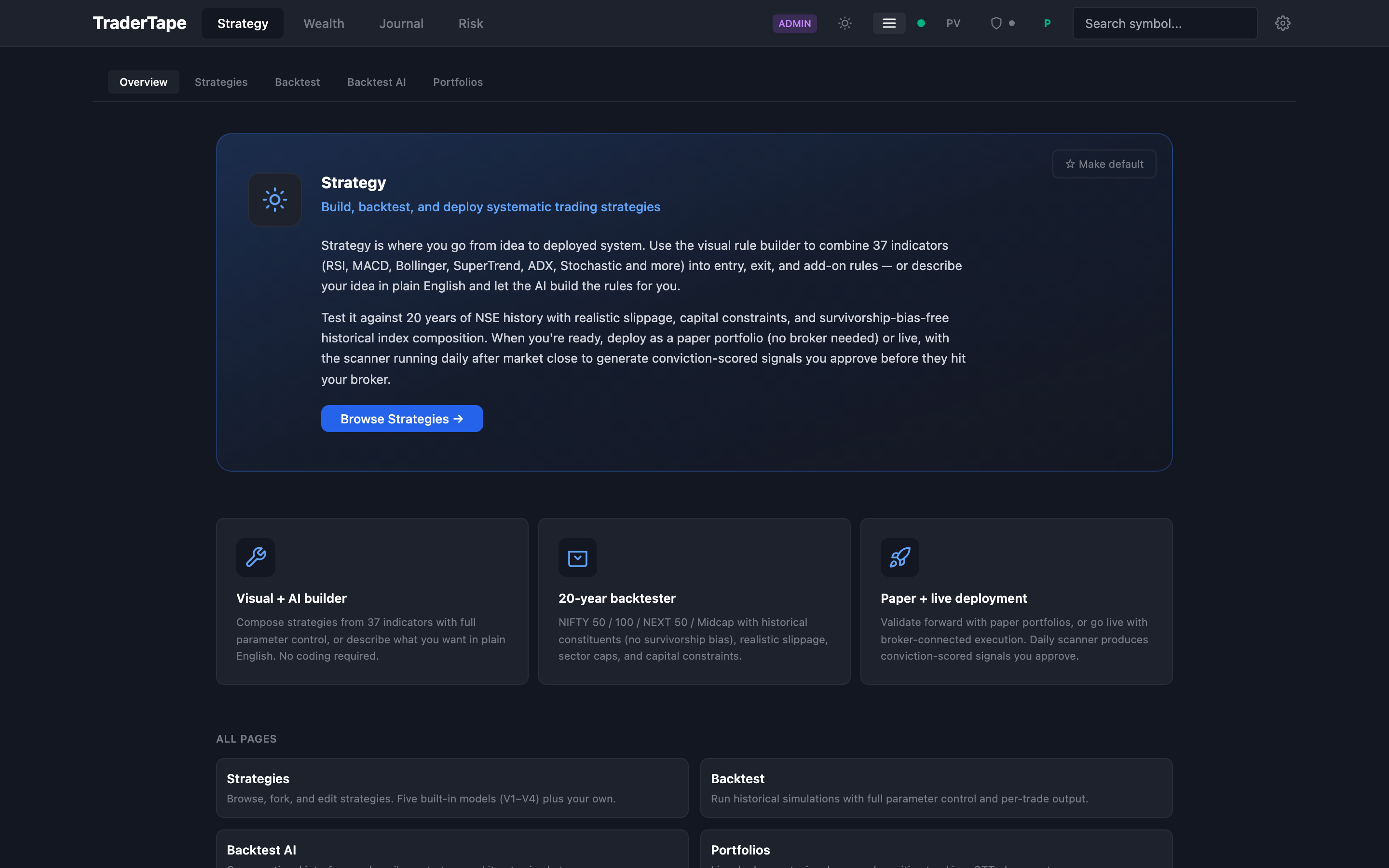
What it does: Build, backtest, and deploy systematic trading strategies.
When to use it: You want to design a rule-based trading system and validate it against history before committing real capital.
Key pages:
- Strategies — visual rule builder + AI chat + your forks
- Backtest — run historical simulations with realistic slippage
- Backtest AI — conversational backtest config
- Portfolios — live and paper portfolio deployment, signal approval, GTT placement
Needs a broker? Only for live execution (paper portfolios need no broker).
Wealth
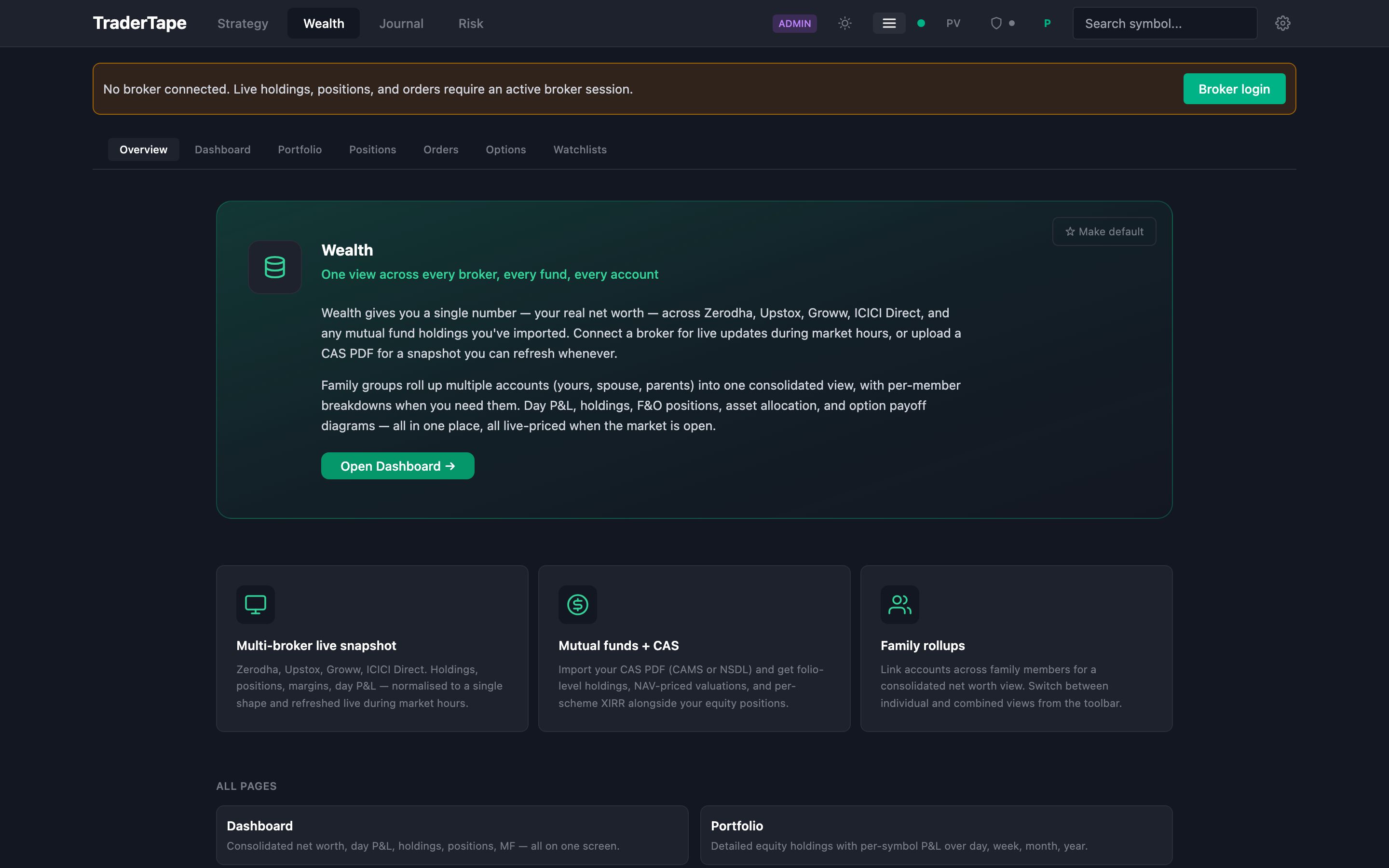
What it does: Unified portfolio view across every broker and mutual fund.
When to use it: You want one net worth number, live day P&L, or family-rolled-up holdings.
Key pages:
- Dashboard — consolidated view (EQ holdings, F&O positions, MF, cash)
- Portfolio — detailed holdings with week/month/year P&L
- Positions — live F&O positions with Greeks and payoff diagrams
- Orders — open, executed, and GTT orders across all connected brokers
- Options — option chain and payoff simulation
- Watchlists — symbols you're tracking
Needs a broker? Yes — live data requires an active broker session. Stale snapshots from CAS uploads also work.
Journal
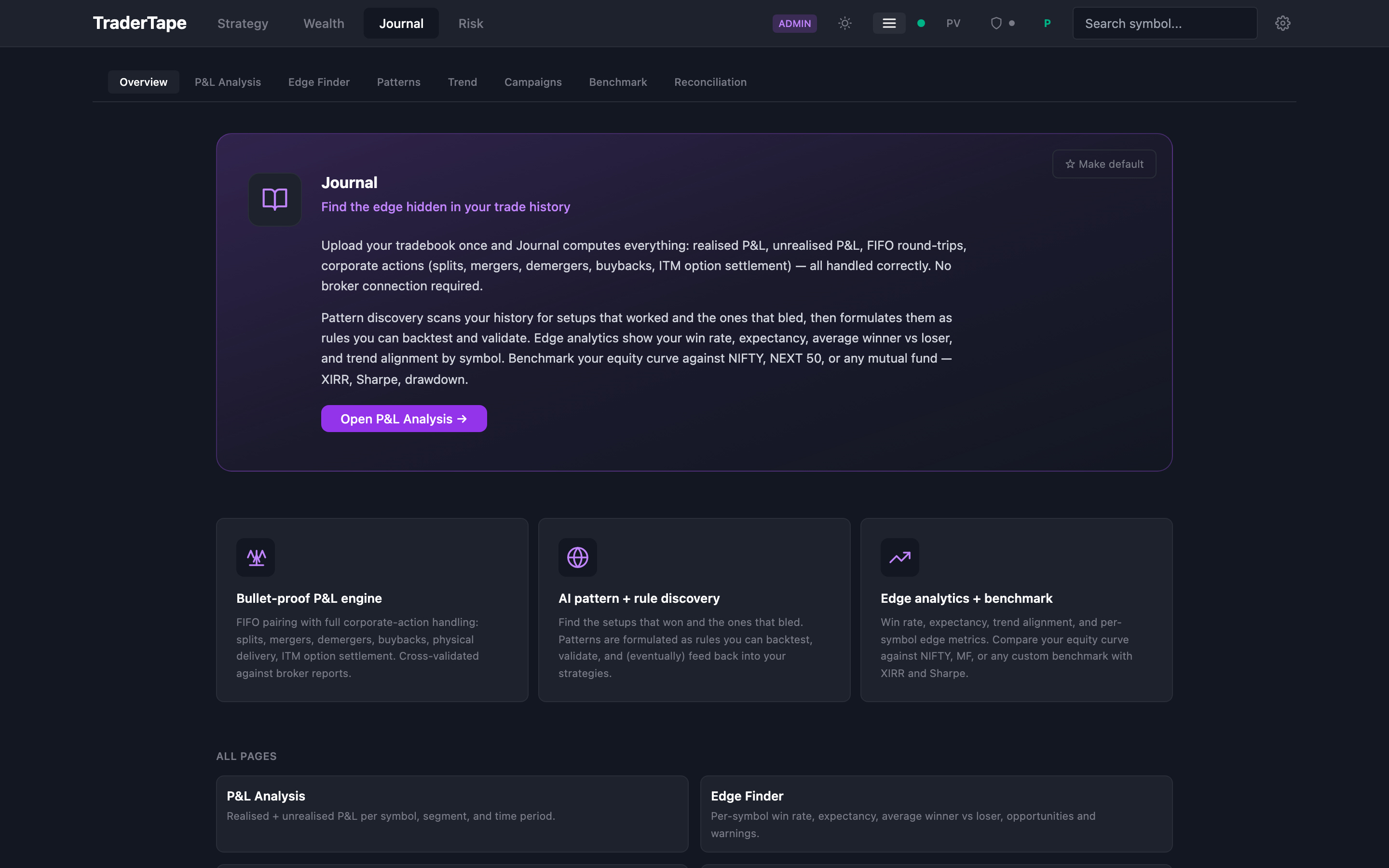
What it does: Deep analysis of your trading history.
When to use it: You want to find your edge, or review what worked and what didn't.
Key pages:
- P&L Analysis — realised + unrealised, per-symbol breakdown, corporate action adjusted
- Edge Finder — per-symbol win rate, expectancy, opportunities, warnings
- Patterns — AI-formulated rules from your trade history with mini-backtests
- Trend — with-trend vs against-trend performance breakdown
- Campaigns — scaling patterns and round-trip grouping
- Benchmark — equity curve vs NIFTY / NEXT 50 / any MF with XIRR, Sharpe, drawdown
- Reconciliation — daily P&L replay against broker P&L reports
Needs a broker? No. Journal runs entirely on your uploaded tradebook.
Risk

What it does: Pre-trade gating that prevents bad trades from reaching your broker.
When to use it: You want sector caps, daily/weekly loss limits, consecutive-loss cooldowns, or net exposure gates enforced before any order goes out.
Status: The Overview page exists. A dedicated rules editor and exposure dashboard come in the next architecture phase — until then, edit rules via Settings. The underlying engine (risk_engine.py) is already wired into order placement.
Needs a broker? No for editing rules; yes (transitively) for enforcement during live trading.
Where things live
| You want to… | Go to |
|---|---|
| Build or fork a trading strategy | Strategy → Strategies |
| Run a backtest | Strategy → Backtest |
| Deploy a live portfolio | Strategy → Portfolios |
| Check your net worth right now | Wealth → Dashboard |
| See today's P&L and positions | Wealth → Dashboard / Positions |
| Upload a tradebook and analyse it | Journal → P&L Analysis |
| Find patterns in your trades | Journal → Patterns |
| Compare your returns to NIFTY | Journal → Benchmark |
| Set a daily loss cap | Risk → (editor in Settings for now) |
| Change your default product | Any product landing → "★ Make default" button |
| Connect a broker | Top-right broker icon (desktop) or in-page CTA |
| Settings / API keys / broker config | Gear icon (top-right) |
Navigation
Desktop: Four product tabs at the top. Clicking a product reveals its sub-navigation strip. Your current position is highlighted.
Mobile: Tap the hamburger icon (top-left) to open a drawer with all products and their sub-pages. Your active page is highlighted in blue.
The product switcher is sticky — it stays visible as you scroll so you're always one tap away from jumping elsewhere.
Next → Try paper trading